Meet Priya, 26, who just received her first salary slip and is puzzled by the TDS deduction. “Am I paying too much tax? Could I save more?” She types “how to calculate income tax” into Google but finds complex articles with confusing jargon. Then there’s Rajesh, 45, a small business owner who wants to estimate his tax before filing—without paying a CA for a simple calculation.
If you’ve ever wondered how much tax you really owe—or if you’re overpaying—you’re not alone. A 2025 survey found that over 50% of taxpayers don’t know how their tax is calculated and rely blindly on employers or CAs.
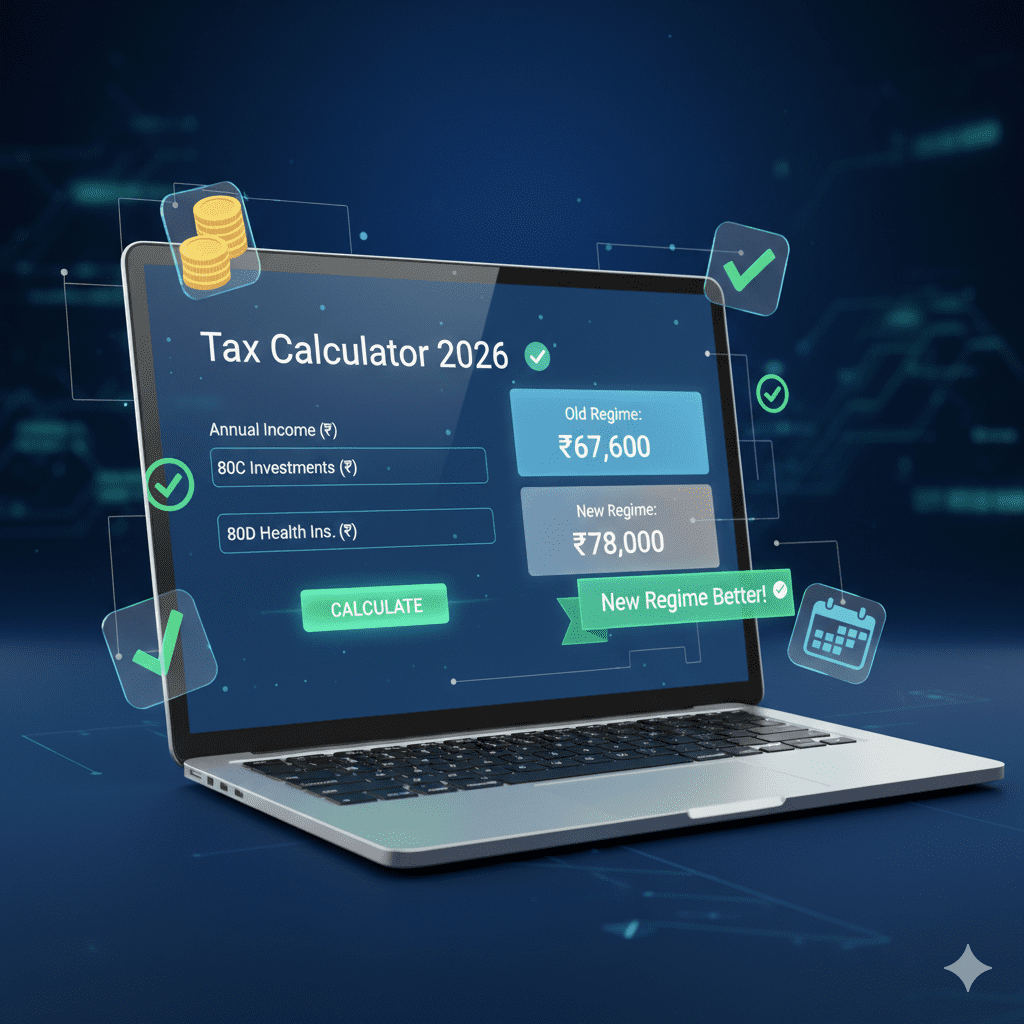
The good news? You don’t need to be a chartered accountant to calculate your tax. Free online tools can do the math for you in seconds—accurately, privately, and updated for the latest 2026 rules.
In this guide, you’ll discover:
-
Why online tax calculators are better than manual calculations
-
Step-by-step instructions to calculate your tax using India Tax Tools
-
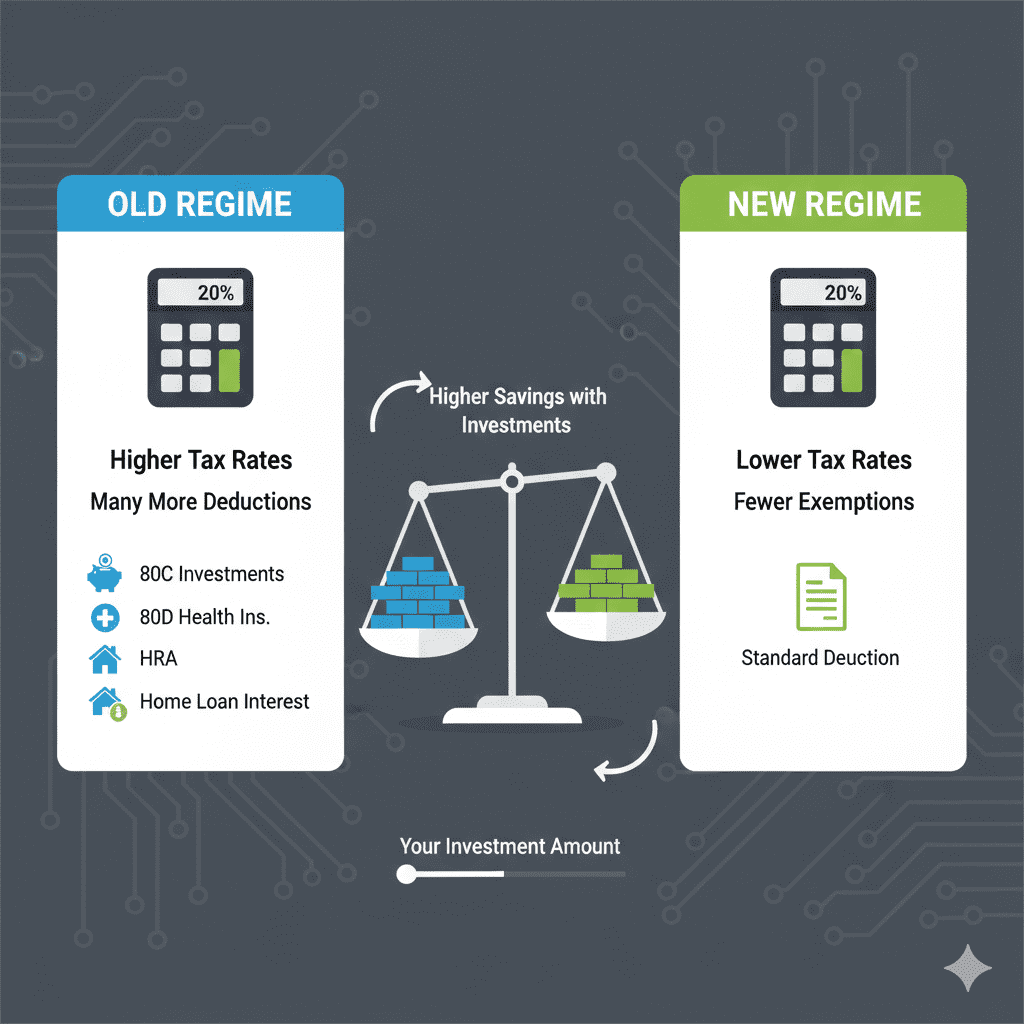
Old vs New Regime comparison in one click
-
How to factor in deductions (80C, 80D, HRA, home loan)
-
Real examples with screenshots
-
Common pitfalls to avoid
-
Free tools for every tax scenario
Let’s put the power of tax calculation in your hands—for free.
WHY USE ONLINE TAX CALCULATORS?
The Problem with Manual Calculation
Benefits of Online Tax Calculators
What Makes India Tax Tools Different?
Source: India Tax Tools – as seen on homepage
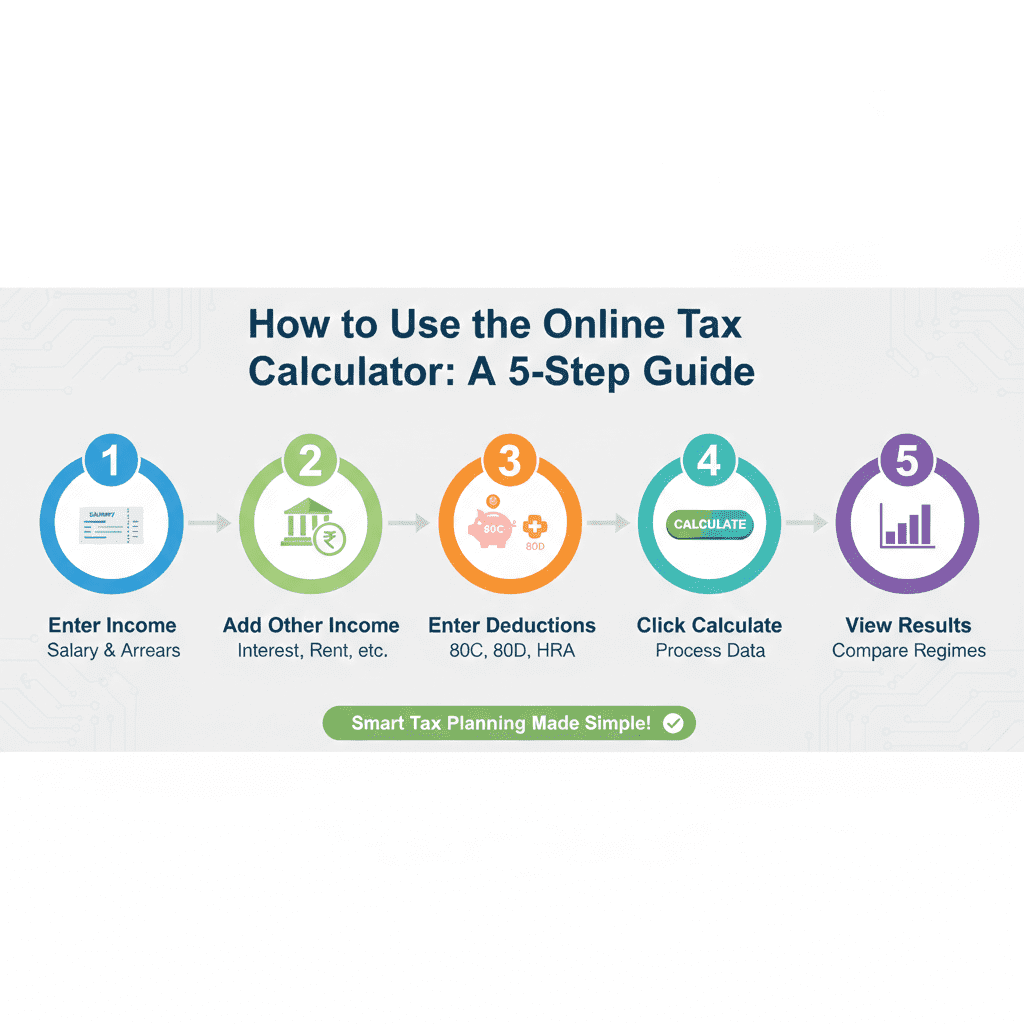
STEP-BY-STEP: CALCULATE YOUR TAX WITH INDIA TAX TOOLS
Let’s walk through calculating tax for a salaried individual.
Step 1: Visit India Tax Tools
Go to https://indiataxtools.com
From the homepage, you’ll see categories:
-
Income Tax & Salary
-
GST & Business Tools
-
Compliance & Planning
-
Wealth & Investments
Click on “Income Tax & Salary” or directly on “Advanced Tax Calc”.
Step 2: Enter Your Basic Details
The calculator will ask for:
Step 3: Add Other Income
Step 4: Enter Deductions (for Old Regime)
If you want to compare with Old Regime, enter your investments:
Step 5: Click “Calculate”
The tool instantly shows:
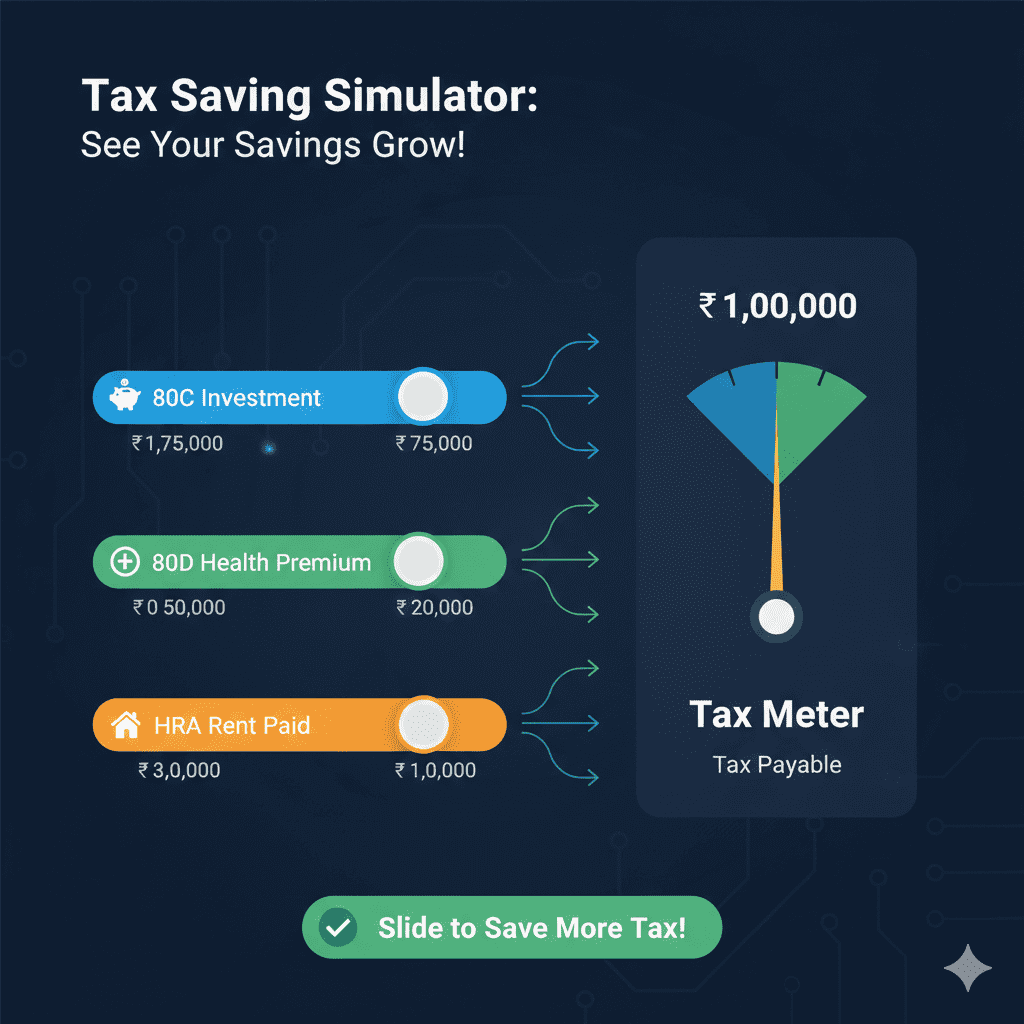
Step 6: Adjust and Optimize
Try different scenarios:

REAL EXAMPLE: PRIYA’S TAX CALCULATION
Let’s calculate for Priya, 26, salaried in Bangalore.
Her Details
Step 1: Enter in Calculator
Using India Tax Tools’ Advanced Tax Calculator:
Step 2: Results
Verdict: New Regime saves Priya ₹10,400.
Step 3: Optimization
What if Priya increases 80C to ₹1,50,000?
Even with maximum 80C, New Regime wins for Priya.
OTHER FREE TAX TOOLS YOU NEED
India Tax Tools offers a complete suite for all tax and financial calculations.
Income Tax & Salary Tools
GST & Business Tools
Compliance & Planning
Wealth & Investments
HOW TO USE TAX CALCULATORS FOR TAX PLANNING
Not just for calculation—use these tools to plan ahead.
Scenario 1: Should I Invest More in 80C?
Scenario 2: New Regime vs Old Regime – Which is Better?
Scenario 3: How Much HRA Can I Claim?
Scenario 4: Planning for Next Year
COMMON MISTAKES WHEN USING TAX CALCULATORS
FREQUENTLY ASKED QUESTIONS
Q1: Are online tax calculators accurate for 2026?
Yes, if they are updated for the latest Budget. India Tax Tools is updated for AY 2026-27 with all slab rates, standard deduction (₹75,000), and new regime rules .
Q2: Do I need to enter personal details like name or PAN?
No. India Tax Tools calculators work entirely in your browser. No personal data is stored or transmitted. Your privacy is 100% safe .
Q3: Can I calculate tax for both old and new regimes?
Yes. The Advanced Tax Calculator shows both regimes side-by-side and even suggests which is better for your situation .
Q4: What if I have income from multiple sources?
Enter all income in the respective fields:
-
Salary income in salary section
-
Interest income in “Other Sources”
-
Rental income in “House Property”
The calculator will aggregate them correctly.
Q5: How do I account for TDS already deducted?
The calculator computes your total tax liability. Compare this with TDS shown in Form 26AS. If TDS deducted is more than liability, you get a refund. If less, you need to pay self-assessment tax.
Q6: Are the calculators really free?
100% free. No hidden charges, no registration, no credit card required. Just visit and use .
Q7: Can I use these on mobile?
Yes. India Tax Tools is fully responsive and works on smartphones, tablets, and laptops .
Q8: What is the difference between FY and AY?
-
FY (Financial Year) : Year in which you earn income (e.g., 2025-26)
-
AY (Assessment Year) : Year in which you file return (e.g., 2026-27)
Always select the correct FY in calculators.
Q9: How do I calculate HRA exemption?
Use the dedicated HRA Calculator. Enter basic salary, HRA received, rent paid, and city. It computes the exempt amount automatically.
Q10: Can I use these for business tax calculation?
Yes, India Tax Tools has separate calculators for:
ACTIONABLE CHECKLIST: CALCULATE YOUR TAX IN MINUTES
Before You Start
-
Gather your Form 16 (for salary)
-
Collect interest certificates from bank (savings, FD)
-
List all 80C investments (PPF, ELSS, LIC, EPF)
-
Note health insurance premiums paid (80D)
-
Have rent receipts if claiming HRA
-
Know your home loan interest (if applicable)
Step-by-Step Calculation
-
Visit India Tax Tools’ Advanced Tax Calculator
-
Select Financial Year: 2025-26
-
Enter your age and residential status
-
Enter salary income (total before deductions)
-
Add other income (interest, rental, etc.)
-
Enter deductions (80C, 80D, 80CCD, etc.)
-
Check HRA exemption using HRA Calculator and include
-
Click “Calculate”
-
Note results for both regimes
-
Identify which regime saves you more
-
If old regime better, ensure you have investments to maximize deductions
-
If new regime better, consider stopping unnecessary 80C investments
After Calculation
-
Compare with TDS shown in Form 26AS
-
If tax payable > TDS, plan advance tax (if still within year)
-
If TDS > tax liability, you’ll get refund
-
Use results to file accurate ITR
SUCCESS STORY: HOW RAJESH SAVED ₹45,000 USING A FREE CALCULATOR
Profile: Rajesh, 38, IT professional in Pune
Income: ₹16 lakh salary + ₹45,000 interest
Before using calculator: Always assumed old regime with 80C investments was best. Invested ₹1.5L in PPF/ELSS annually.
His Discovery
Total benefit: ₹33,000 tax saved + ₹1.5L liquidity = ₹1.83 lakh better off
“I was blindly following old regime for years. The calculator showed me I was losing money. Now I use it every year before making any investment.” – Rajesh
CONCLUSION: TAKE CONTROL OF YOUR TAX CALCULATION
You don’t need to be a tax expert to know how much you owe. With free online tools like India Tax Tools, you can:
-
Calculate accurately in minutes
-
Compare regimes instantly
-
Plan investments wisely
-
Avoid overpaying tax
-
Stay updated with latest rules
The best part? It’s free, private, and always updated.
Your Next Steps
- Bookmark India Tax Tools – your go-to for all tax calculations
- Calculate your tax today – even if you’ve already filed, use it for next year’s planning
- Share with friends and family – help them save too
- Explore other tools – GST, TDS, SIP, NPS, and more
- Stay informed – tax rules change; check back each year
Remember: Knowledge is power. With the right tools, you can make tax season stress-free and even profitable.
“Tax calculation isn’t rocket science—it’s just arithmetic. With free online tools, you can do in minutes what used to take hours. Calculate, compare, and keep more of what you earn.”
Disclaimer: This article is for informational and educational purposes only. Tax laws, rates, and deductions are subject to change based on government notifications. While every effort is made to ensure accuracy, please verify with official sources or consult a qualified Chartered Accountant for advice tailored to your specific situation. The information provided is based on Budget 2026 announcements and current provisions as of February 2026. India Tax Tools calculators are free tools for estimation and should not be considered as professional tax advice.

 India Tax ToolsFebruary 24, 20268 Mins read20
 India Tax ToolsFebruary 24, 20268 Mins read20









Leave a comment