

Meet Rajesh, a 32-year-old marketing manager in Mumbai. Every year, the same anxiety creeps in when HR sends that email: “Form 16 for FY 2025-26 is now available.” He knows he has to file his taxes, but the thought of navigating the Income Tax portal, understanding tax regimes, and risking a notice from the department keeps him procrastinating until the last week of July. Sound familiar?
You’re not alone. Over 7.5 crore income tax returns were filed in India for FY 2024-25, and a significant portion were filed in the final weeks before the deadline . But here’s the truth: filing your ITR online from home is actually simpler than you think—provided you have a clear roadmap.
In this complete 2026 guide, you’ll learn:
-
Exactly which documents you need before you start
-
How to choose the right ITR form (without confusion)
-
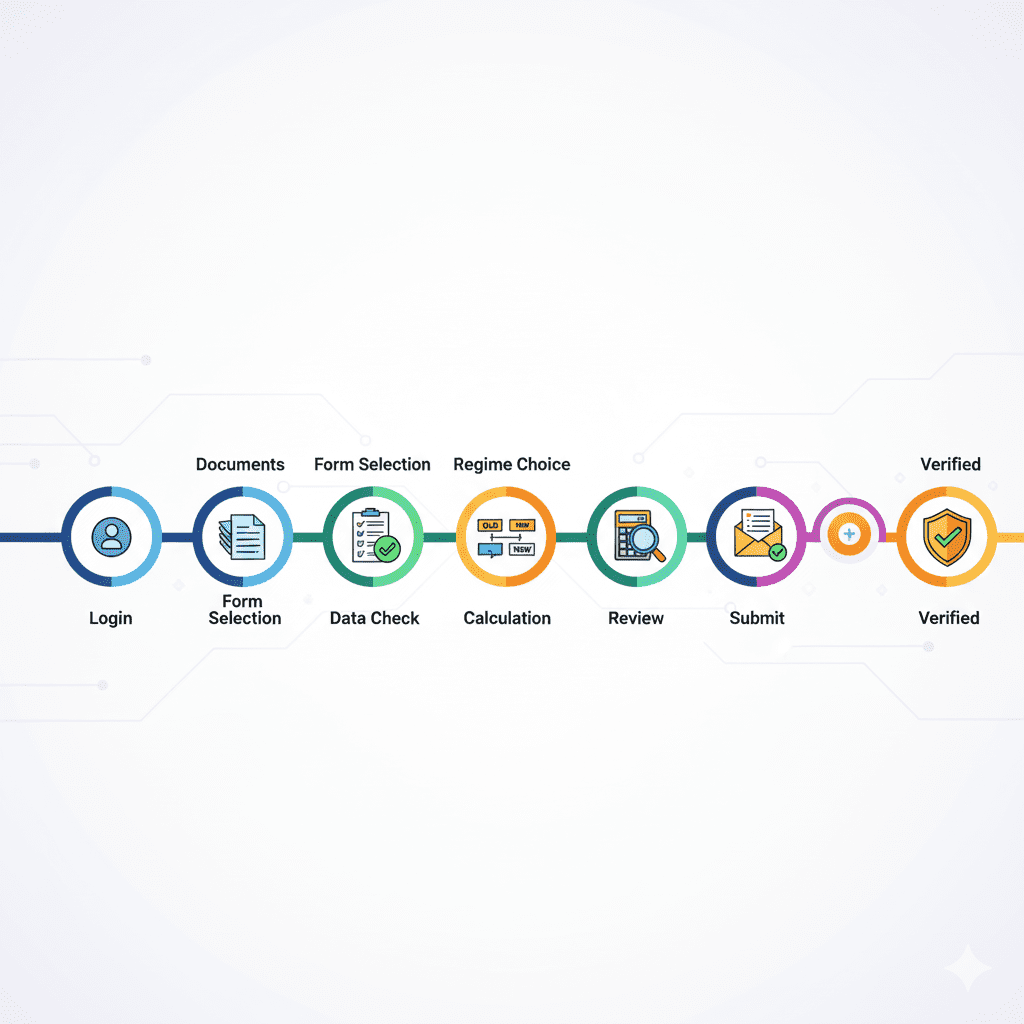
A 10-step process to file your return on the new e-filing portal
-
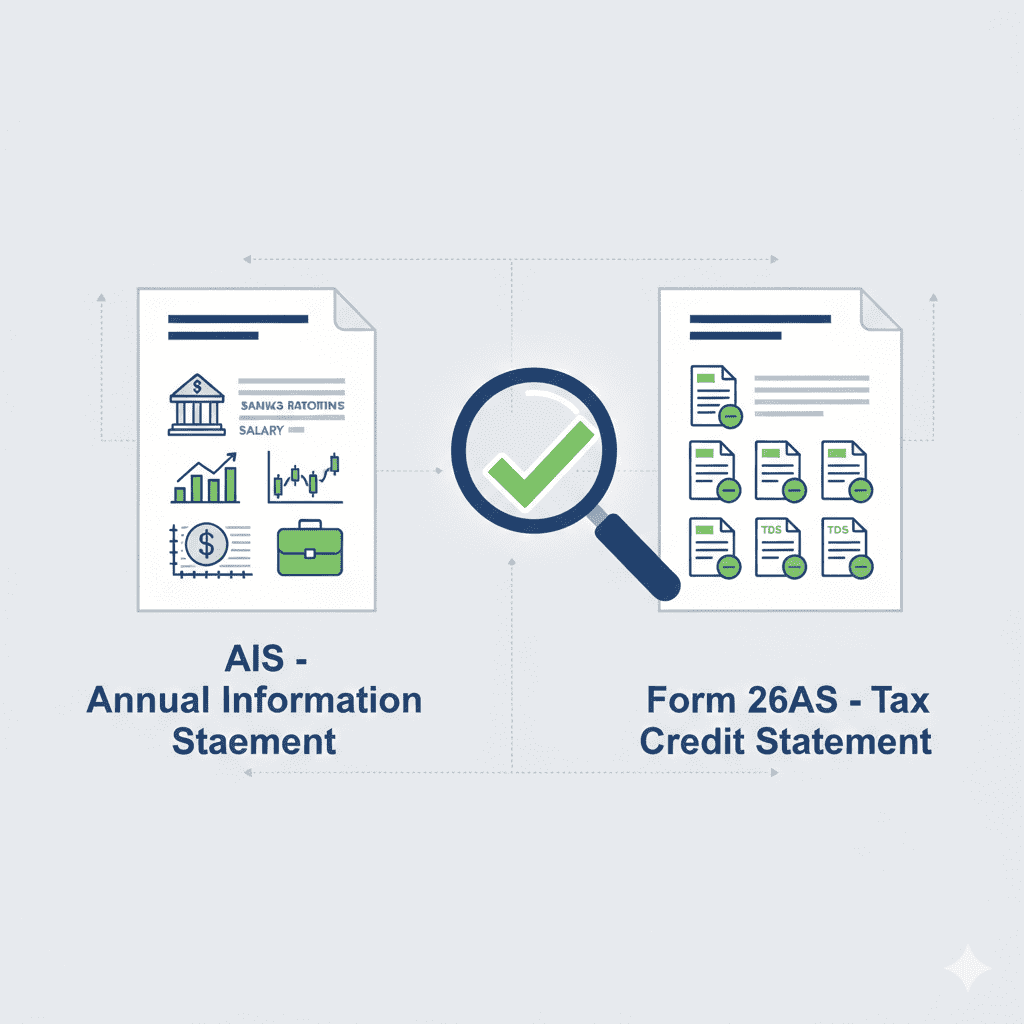
The golden rule of cross-verifying with AIS and Form 26AS
-
How to e-verify and track your refund status
By the end, you’ll be able to file your income tax return online from home with confidence—no CA required (unless you want one).

WHAT IS INCOME TAX E-FILING?
Income Tax e-Filing means submitting your income tax return electronically through the official Income Tax Department portal . Instead of filling out paper forms and standing in queues, you can now complete the entire process from your laptop or phone—in your pajamas, with a cup of chai.
Why E-Filing Matters in 2026
| Aspect | Paper Filing | E-Filing |
|---|---|---|
| Time Required | Days (including travel, queues) | 20-30 minutes |
| Accuracy Risk | High (manual calculations) | Low (auto-calculations, pre-filled data) |
| Refund Speed | 3-6 months | 2-4 weeks |
| Error Checks | None | Automatic validation |
| Verification | Physical signature, post to Bengaluru | Instant Aadhaar OTP |
The Income Tax Department’s e-filing portal (https://www.incometax.gov.in) has been continuously upgraded to make filing more intuitive. For the Assessment Year 2026-27, the portal offers enhanced pre-filled data pulled directly from your Annual Information Statement (AIS) and Form 26AS, reducing manual entry errors significantly .
Who Must File ITR in 2026?
You are required to file an income tax return if :
-
Your total income exceeds the basic exemption limit (₹3 lakh under new regime, ₹2.5 lakh under old regime for individuals below 60)
-
You want to claim a refund of excess TDS or advance tax
-
You wish to carry forward losses (business loss, capital loss)
-
You have foreign income or foreign assets
-
You have entered into specified high-value financial transactions
Even if your income is below the taxable limit, filing a Nil Return is recommended—it serves as proof of income for loans, visa applications, and builds financial credibility .
DOCUMENTS REQUIRED FOR ITR FILING 2026
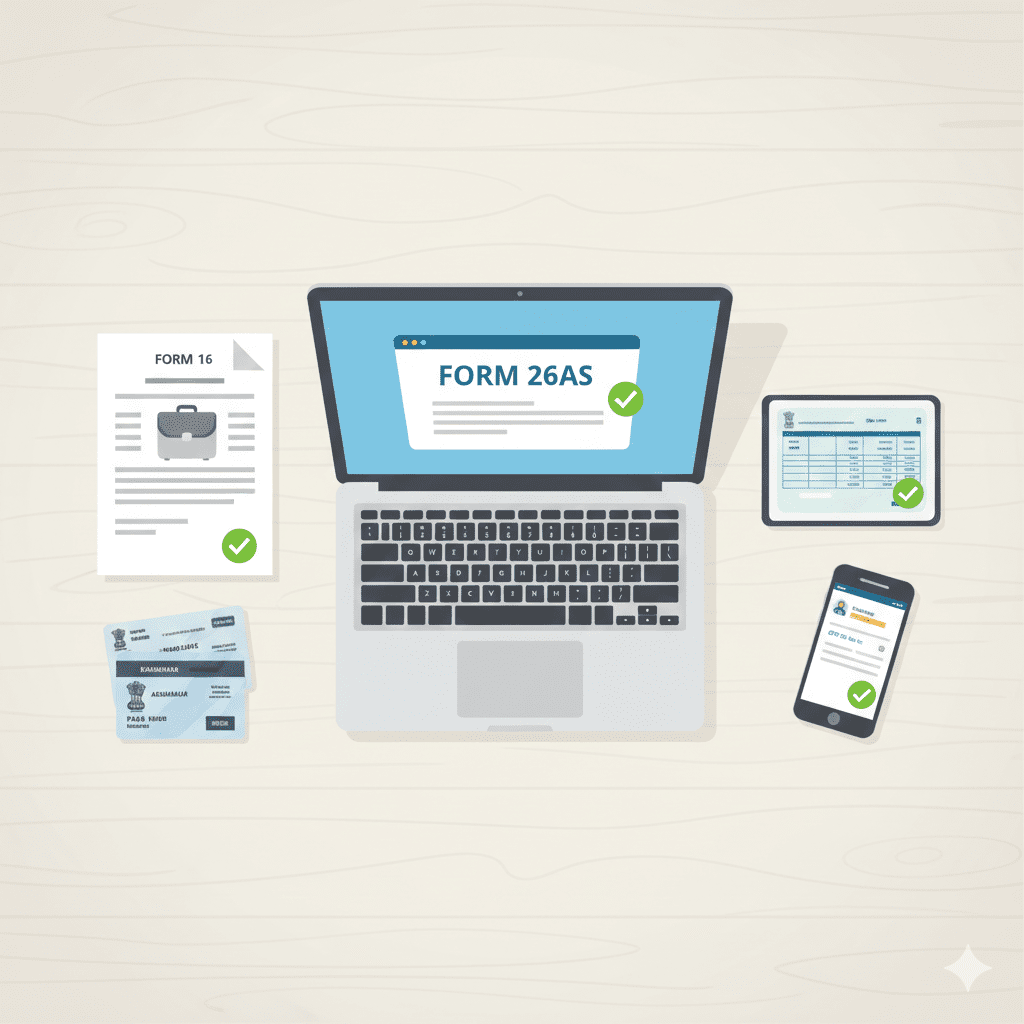
Before you begin, gather these documents. Having everything ready beforehand turns a 45-minute task into a 20-minute one.
Compulsory Documents for Everyone
| Document | Purpose |
|---|---|
| PAN Card | Your unique identifier on the portal; must be linked with Aadhaar |
| Aadhaar Card | Required for login and e-verification via OTP |
| Form 26AS | Consolidated tax statement showing all TDS deposited against your PAN |
| Annual Information Statement (AIS) | Comprehensive view of your financial transactions—interest, dividends, stock trades |
| Bank Account Details | Account number, IFSC code, pre-validated account for refunds |
| Mobile Number | Registered with Aadhaar for OTP verification |
For Salaried Professionals
-
Form 16: Issued by your employer, containing salary breakup and TDS details
-
Salary slips (optional, for reference)
-
House Rent Receipts: If claiming HRA exemption
-
Investment Proofs: PPF, LIC, ELSS, NPS statements (for old regime claims)
For Those with Additional Income
-
Interest Certificates: From banks on savings accounts, FDs, RDs
-
Capital Gains Statements: From your broker or mutual fund house
-
Rental Income Details: Rent receipts, bank statements
-
Freelance/Business Income: Profit & loss statement, expense records
Pro Tip: Download your AIS and Form 26AS from the e-filing portal before you start. Compare them with your Form 16. Any mismatch? Address it with your employer or bank before filing .
HOW TO FILE INCOME TAX RETURN ONLINE: 10-STEP PROCESS
Here’s your step-by-step guide to file ITR online from home. Follow these steps in order, and you’ll be done in under an hour.
Step 1: Visit the Official E-Filing Portal
Go to https://www.incometax.gov.in/iec/foportal/
-
If you’re a new user, click on “Register” and follow the registration process using your PAN .
-
If you’re an existing user, click “Login” and enter your PAN (User ID), password, and captcha.
Step 2: Navigate to the ITR Filing Section
Once logged in :
-
Click on the ‘e-File’ menu
-
Select ‘Income Tax Returns’ > ‘File Income Tax Return’
Step 3: Select Assessment Year and Filing Mode
-
Assessment Year: Select 2026-27 (this is for income earned in FY 2025-26)
-
Mode of Filing: Choose ‘Online’ (you can also prepare offline and upload, but online is simpler for most)
-
Click ‘Continue’
Step 4: Choose Your Filing Status and ITR Form
First, select your status: ‘Individual’
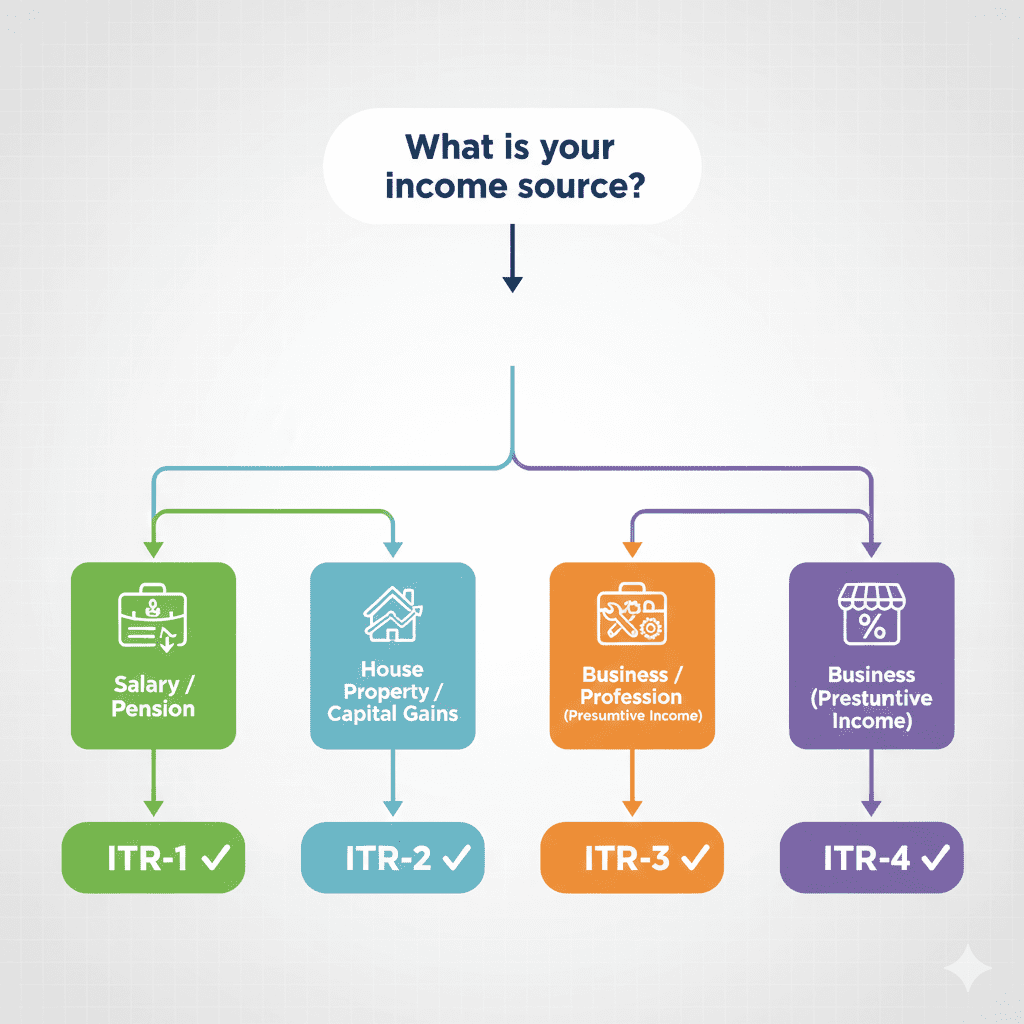
Now, choose the correct ITR form. This is critical—selecting the wrong form can render your return invalid .
| Form | Who Should Use It |
|---|---|
| ITR-1 (Sahaj) | Residents with income up to ₹50 lakh from salary, one house property, and other sources (interest, etc.) |
| ITR-2 | Individuals/HUFs with capital gains or foreign income/assets, but no business income |
| ITR-3 | Individuals/HUFs with income from business or profession (including freelancers, F&O traders) |
| ITR-4 (Sugam) | Individuals/HUFs opting for presumptive taxation under Section 44AD/44ADA |
If you’re a salaried employee with only salary income and maybe some bank interest, ITR-1 is your form.
Step 5: Verify and Confirm Pre-filled Data
This is where the new portal shines. The system will pre-fill many details from your AIS and Form 26AS .
You’ll see sections for:
-
Personal Information: Name, PAN, Aadhaar, date of birth, address—verify everything
-
Gross Total Income: Salary, interest, etc.—ensure it matches your Form 16 and AIS
-
Deductions: If applicable
Crucial Check: Compare the pre-filled figures with your Form 16 and bank interest certificates. If something’s missing (like interest from a savings account), you must add it manually .
Step 6: Select Your Tax Regime
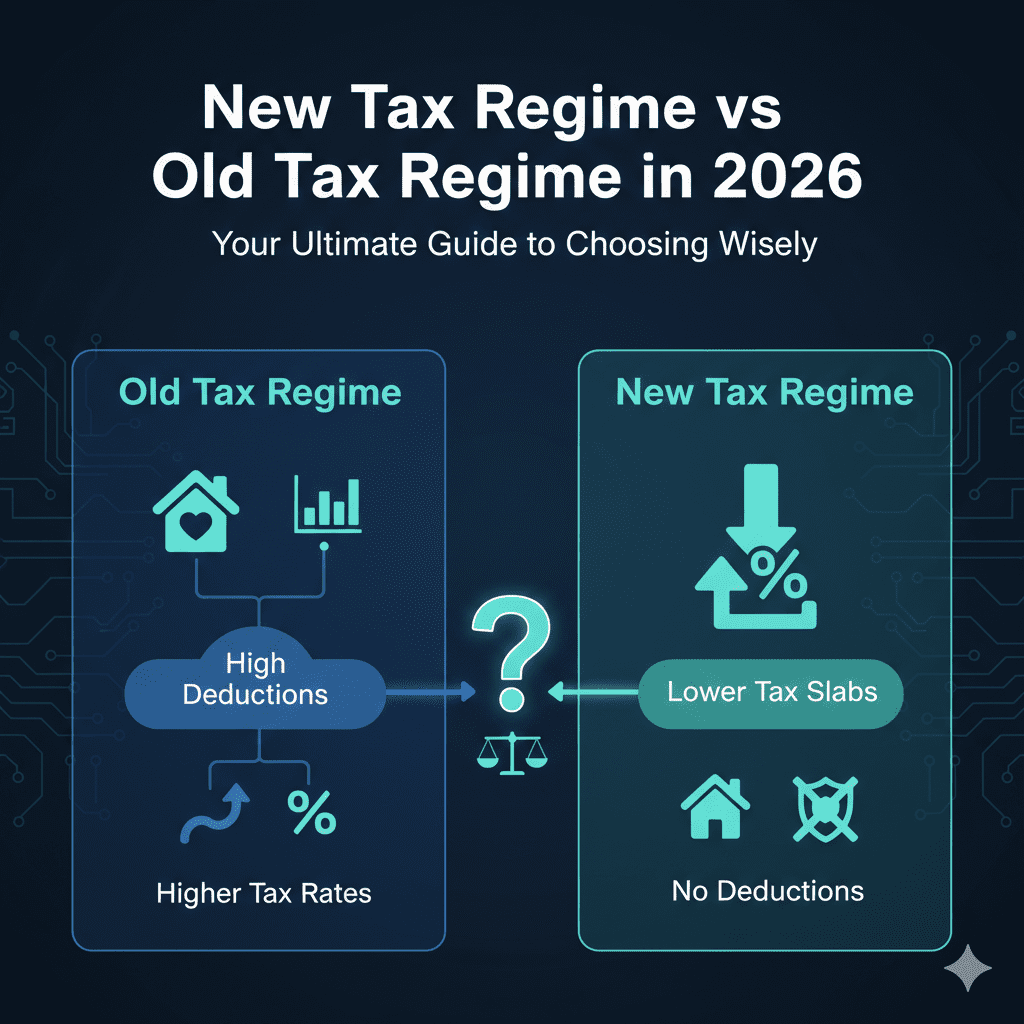
For FY 2025-26, the New Tax Regime is the default . You have two choices:
| Regime | Tax Rates | Standard Deduction | Can Claim Exemptions (HRA, 80C, etc.)? |
|---|---|---|---|
| New Regime (Default) | Lower (0-30%) | ₹75,000 | No |
| Old Regime | Higher (0-30%) | ₹50,000 | Yes |
If you want the Old Regime, you must explicitly opt-out during filing. The system will show you a tax comparison—choose whichever benefits you more.
Step 7: Declare Income and Claim Deductions
-
Income from Salary: Verify the pre-filled data from your Form 16
-
Income from Other Sources: Add any interest income not pre-filled (savings account interest, FD interest)
-
Deductions: If you’re in the old regime, claim your 80C, 80D, and other deductions here
The portal will automatically calculate your total tax liability based on your inputs and selected regime .
Step 8: Review, Compute Tax, and Pay (If Any)
-
Click ‘Validate’ to run an error check
-
The system will show your Tax Payable or Refund Due
-
If tax is due, you can pay online via e-Pay Tax using Net Banking or UPI
-
Once tax is paid (or if no tax is due), proceed to ‘Preview Return’
Step 9: Submit Your Return
-
Review every section one last time
-
Check that your income matches Form 26AS and AIS
-
Click ‘Submit’
You’ll receive an Acknowledgement Number—note it down for future reference .
Step 10: E-Verify Your Return (Mandatory!)
Your return is not considered filed until it is verified . You have 30 days from submission to e-verify.
You can e-verify using :
-
Aadhaar OTP (fastest—requires linked mobile number)
-
Net Banking (through authorized banks)
-
Bank Account EVC (if account is pre-validated)
-
Demat Account EVC
-
Digital Signature Certificate (for companies/audit cases)
If you don’t e-verify: Within 30 days, your return becomes invalid, and you’ll have to file again .
Alternative: If you cannot e-verify online, print the ITR-V (acknowledgement), sign it, and send it by ordinary/speed post to “Centralised Processing Centre, Income Tax Department, Bengaluru – 560500” within 30 days .
UNDERSTANDING THE 2026 TAX SLABS AND REBATES
To file accurately, you need to understand how your tax is calculated. Here are the updated rules for FY 2025-26 (AY 2026-27).
New Tax Regime Slabs (Default)
| Income Range (₹) | Tax Rate |
|---|---|
| Up to 4,00,000 | Nil |
| 4,00,001 – 8,00,000 | 5% |
| 8,00,001 – 12,00,000 | 10% |
| 12,00,001 – 16,00,000 | 15% |
| 16,00,001 – 20,00,000 | 20% |
| 20,00,001 – 24,00,000 | 25% |
| Above 24,00,000 | 30% |
Source: Motilal Oswal
Key Benefits in New Regime:
-
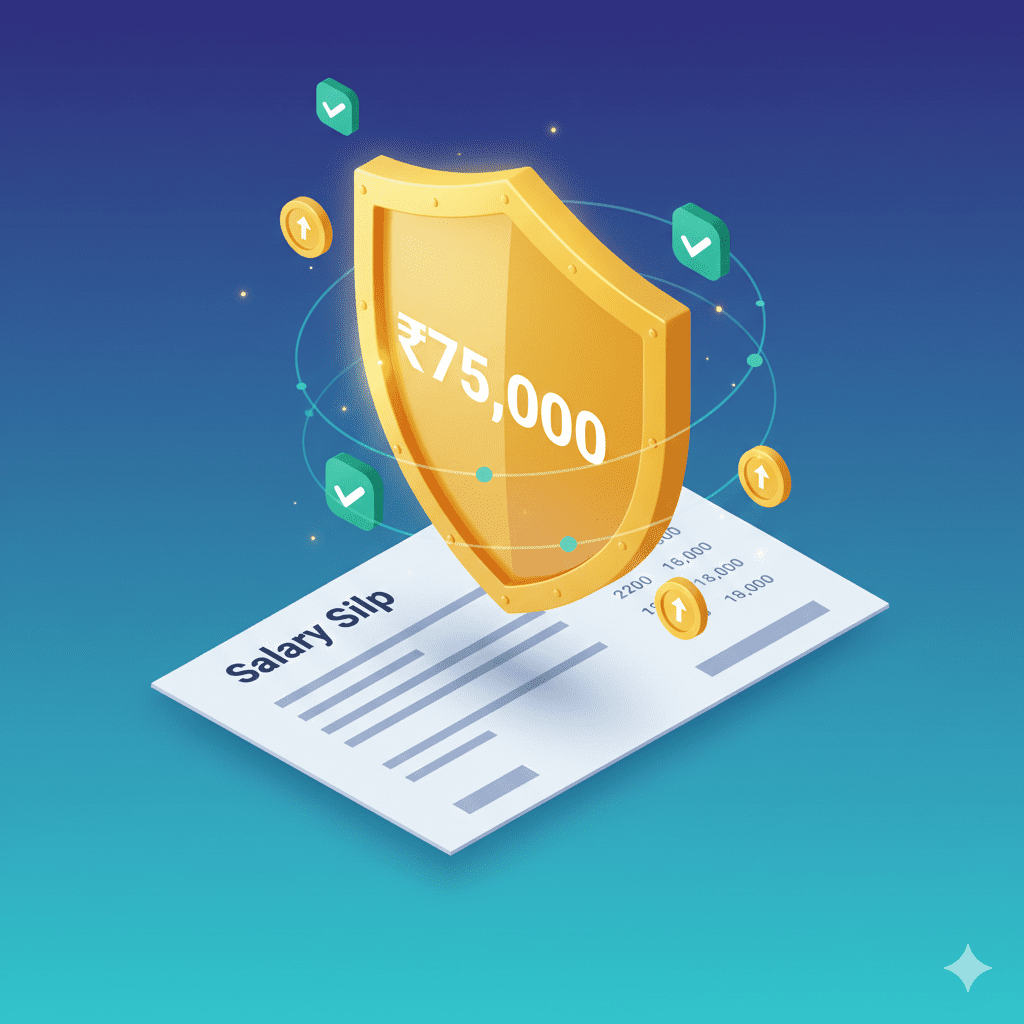
Standard Deduction: ₹75,000 for salaried individuals and pensioners
-
Rebate under Section 87A: If your taxable income (after standard deduction) is up to ₹12,00,000, you get a full rebate—meaning zero tax for those earning up to ₹12.75 lakh
Old Tax Regime Slabs (Optional)
| Income Range (₹) | Tax Rate |
|---|---|
| Up to 2,50,000 | Nil |
| 2,50,001 – 5,00,000 | 5% |
| 5,00,001 – 10,00,000 | 20% |
| Above 10,00,000 | 30% |
Source: Motilal Oswal
Choose the old regime only if your deductions (80C, 80D, HRA, home loan interest) significantly reduce your taxable income below what the new regime offers.
COMMON MISTAKES TO AVOID WHILE FILING ITR
Even experienced filers make errors. Here are the most common pitfalls and how to avoid them.
Mistake 1: Choosing the Wrong ITR Form
Filing ITR-1 when you have capital gains or foreign assets? Your return will be considered defective, and you’ll receive a notice . Always check the eligibility criteria for each form before proceeding.
Mistake 2: Ignoring Mismatches with AIS and Form 26AS
Your AIS captures almost all financial transactions—bank interest, stock sales, dividends. If the income you declare doesn’t match what’s in your AIS, the tax department’s system will flag it automatically .
Fix: Download AIS and Form 26AS before filing. Reconcile every item.
Mistake 3: Forgetting to Declare All Bank Accounts
You must declare all bank accounts you held during the year (except dormant accounts) . This includes accounts with zero balance. The department uses this for verification and refunds.
Mistake 4: Not Reporting Income from Previous Employment
Changed jobs? Income from both employers must be declared. Combine both Form 16s and enter total salary . Omitting one employer’s income causes TDS mismatches.
Mistake 5: Entering Incorrect Bank Details for Refund
A single digit wrong in your account number or IFSC code means your refund will be delayed or sent to the wrong account . Double-check before submitting.
Mistake 6: Filing but Not E-Verifying
This is the most common—and most avoidable—mistake. You file, breathe a sigh of relief, and forget to e-verify. Result? Your return is never processed .
Fix: E-verify immediately after submission using Aadhaar OTP. It takes 10 seconds.
Mistake 7: Missing the Deadline
The due date for most individuals is July 31, 2026 (tentative) . File after this, and you’ll face :
-
Penalty under Section 234F: ₹5,000 (₹1,000 if income ≤ ₹5 lakh)
-
Interest under Section 234A: 1% per month on unpaid tax
-
Inability to carry forward certain losses
HOW TO CHECK YOUR ITR STATUS AND TRACK REFUND
After filing and e-verifying, you’ll want to know what’s happening. Here’s how to check.
Without Logging In
-
Go to the e-filing portal
-
Click “Verify Return / View Return Status”
-
Enter PAN, Acknowledgement Number, Mobile Number, and Captcha
With Login
-
Log in to the portal
-
Go to ‘e-File’ > ‘Income Tax Returns’ > ‘View Filed Returns’
-
Select the Assessment Year (2026-27)
What the Statuses Mean
| Status | Meaning |
|---|---|
| Submitted but not verified | You filed, but haven’t e-verified. Do it now! |
| Successfully e-verified | Return sent for processing |
| Processing | IT department is reviewing your return |
| Processed | Done—refund/adjustment issued |
| Refund issued | Money credited to your bank account |
| Defective return | Needs correction (file a revised return) |
Refunds for e-filed returns with direct deposit typically process within 2-4 weeks of verification .
FREQUENTLY ASKED QUESTIONS
Q1: What is the last date to file ITR for FY 2025-26?
For individual taxpayers not requiring an audit, the deadline is July 31, 2026 (tentative). However, always check for official extensions on the income tax portal .
Q2: Can I file ITR without Form 16?
Yes. If you don’t have Form 16 (changed jobs, employer hasn’t issued, freelancer), you can file using:
-
Salary slips for all 12 months
-
Form 26AS (to get TDS details)
-
Bank statements (for interest income)
Q3: Is it mandatory to link Aadhaar with PAN?
Yes. Your PAN must be linked with Aadhaar. If it’s not linked, your PAN becomes inoperative, and you cannot file your return or receive refunds .
Q4: What happens if I file ITR after the due date?
You can file a Belated Return until December 31, 2026, but you’ll face :
-
Late fee under Section 234F: ₹5,000 (₹1,000 if income ≤ ₹5 lakh)
-
Interest under Section 234A: 1% per month on unpaid tax
-
You cannot carry forward certain losses (except house property loss)
Q5: I have income from freelance work. Which ITR form should I use?
If you have income from freelance work, business, or profession, you need ITR-3 (if maintaining books) or ITR-4 (if opting for presumptive taxation under Section 44ADA) . Do not use ITR-1 or ITR-2.
Q6: How do I claim a refund?
Refunds are automatically calculated when you file your return. To receive it :
-
Ensure your bank account is pre-validated on the e-filing portal
-
Enter correct account number and IFSC
-
E-verify your return
Refunds are typically credited within 2-4 weeks of verification.
Q7: Can I revise my ITR if I made a mistake?
Yes. You can file a Revised Return under Section 139(5) anytime before the end of the relevant assessment year (i.e., before March 31, 2027) or before the completion of assessment, whichever is earlier .
Q8: Do I need to file ITR if my income is below ₹3 lakh?
Under the new regime, if your income is below ₹3 lakh, filing is not mandatory. However, it’s strongly recommended because :
-
It serves as proof of income for loans and visas
-
You can carry forward losses
-
It creates a financial history
ACTIONABLE CHECKLIST: FILE YOUR ITR CONFIDENTLY
Before You Start (Prep Work)
-
Link PAN with Aadhaar (mandatory)
-
Download Form 26AS and AIS from the portal
-
Gather all Form 16s (if multiple employers)
-
Collect bank interest certificates
-
Pre-validate your bank account for refunds
-
Keep investment proofs handy (if old regime)
During Filing
-
Log in to incometax.gov.in
-
Select correct Assessment Year: 2026-27
-
Choose the right ITR form (ITR-1, 2, 3, or 4)
-
Verify all pre-filled data against your documents
-
Add any missing income (interest, freelance, etc.)
-
Select tax regime wisely (compare both)
-
Claim eligible deductions (if old regime)
-
Validate the return—check for errors
-
Review bank details twice
-
Submit and note Acknowledgement Number
After Submission
-
E-verify immediately (Aadhaar OTP is fastest)
-
If not verified, do it within 30 days
-
Save a copy of the filed ITR and acknowledgement
-
Track status on portal after 2-3 weeks
-
Check bank account for refund (if applicable)
CONCLUSION: YOUR TAX FILING, YOUR PEACE OF MIND
Filing your income tax return online from home in 2026 is no longer the daunting task it once was. With the government’s upgraded portal, pre-filled data from AIS, and instant e-verification through Aadhaar, the process has become remarkably streamlined .
Remember these three golden rules:
- Prepare before you start—gather all documents and reconcile with AIS
- Choose your form and regime carefully—this determines everything
- E-verify without fail—or all your effort goes to waste
The benefits of timely filing go beyond avoiding penalties. Your ITR is now a key document for loan approvals, visa applications, and building financial credibility . It’s proof that you’re a responsible financial citizen.
Your Next Steps
-
Bookmark this guide and use the checklist when you file
-
Share it with a colleague who still finds tax filing stressful
-
Set a calendar reminder for July 2026—don’t wait until the last week
-
If you’re confused, consult a CA—but try filing yourself first. You might surprise yourself.
Tax filing isn’t just an obligation—it’s a declaration of your financial story. Make sure it’s accurate, complete, and filed on time.
“Filing your ITR isn’t just about compliance—it’s about claiming what’s rightfully yours. Every rupee of TDS deducted is money you’ve already paid. File correctly, claim your refund, and build your financial credibility.”
Disclaimer: This article is for informational purposes only and does not constitute professional tax advice. Tax laws are subject to change, and individual situations vary. Please consult a qualified Chartered Accountant for advice tailored to your specific circumstances. The information provided is based on Budget 2026 announcements and current tax provisions as of February 2026.